
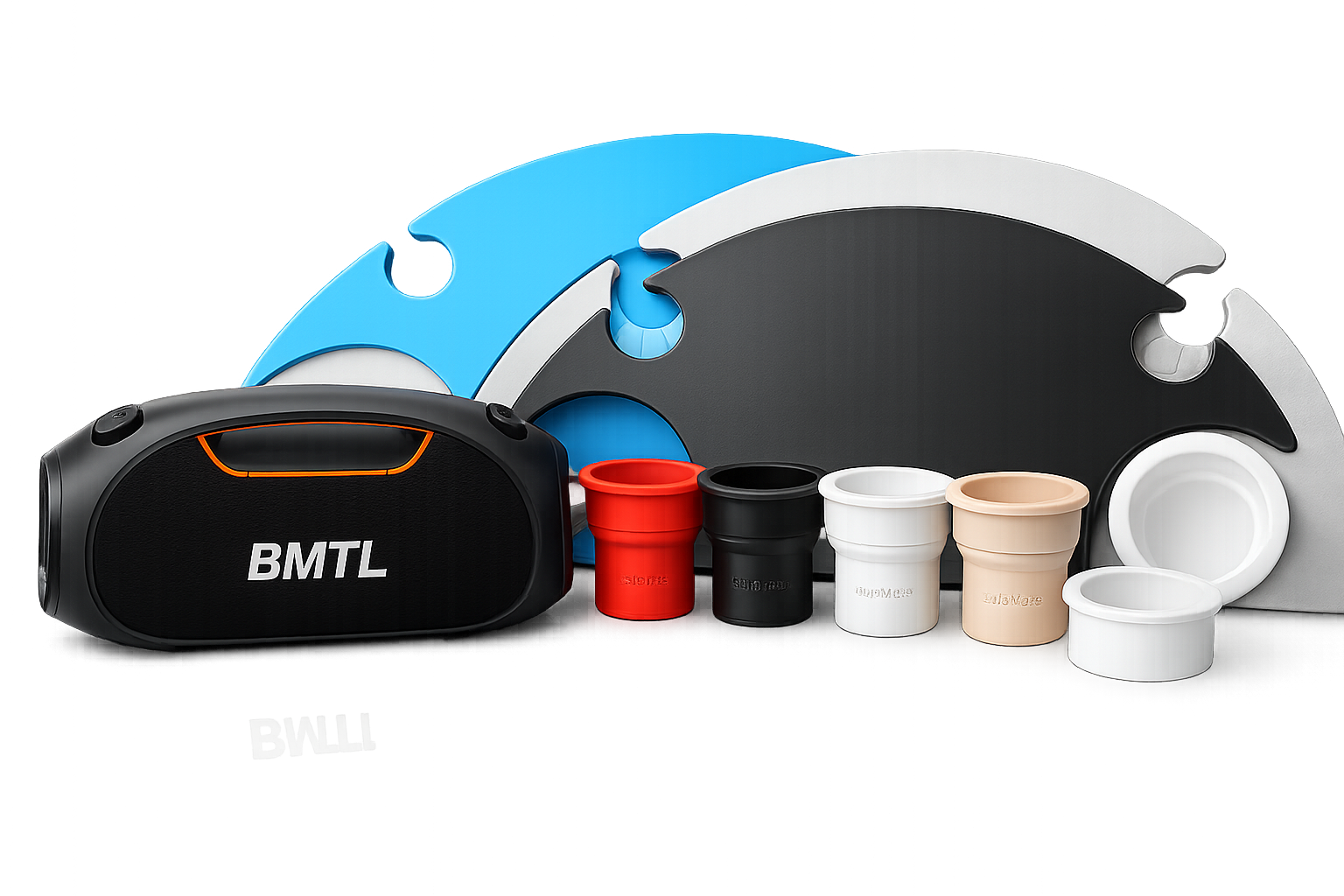

Builder Installation
Steel Sleeve Installed During a Pool Remodel
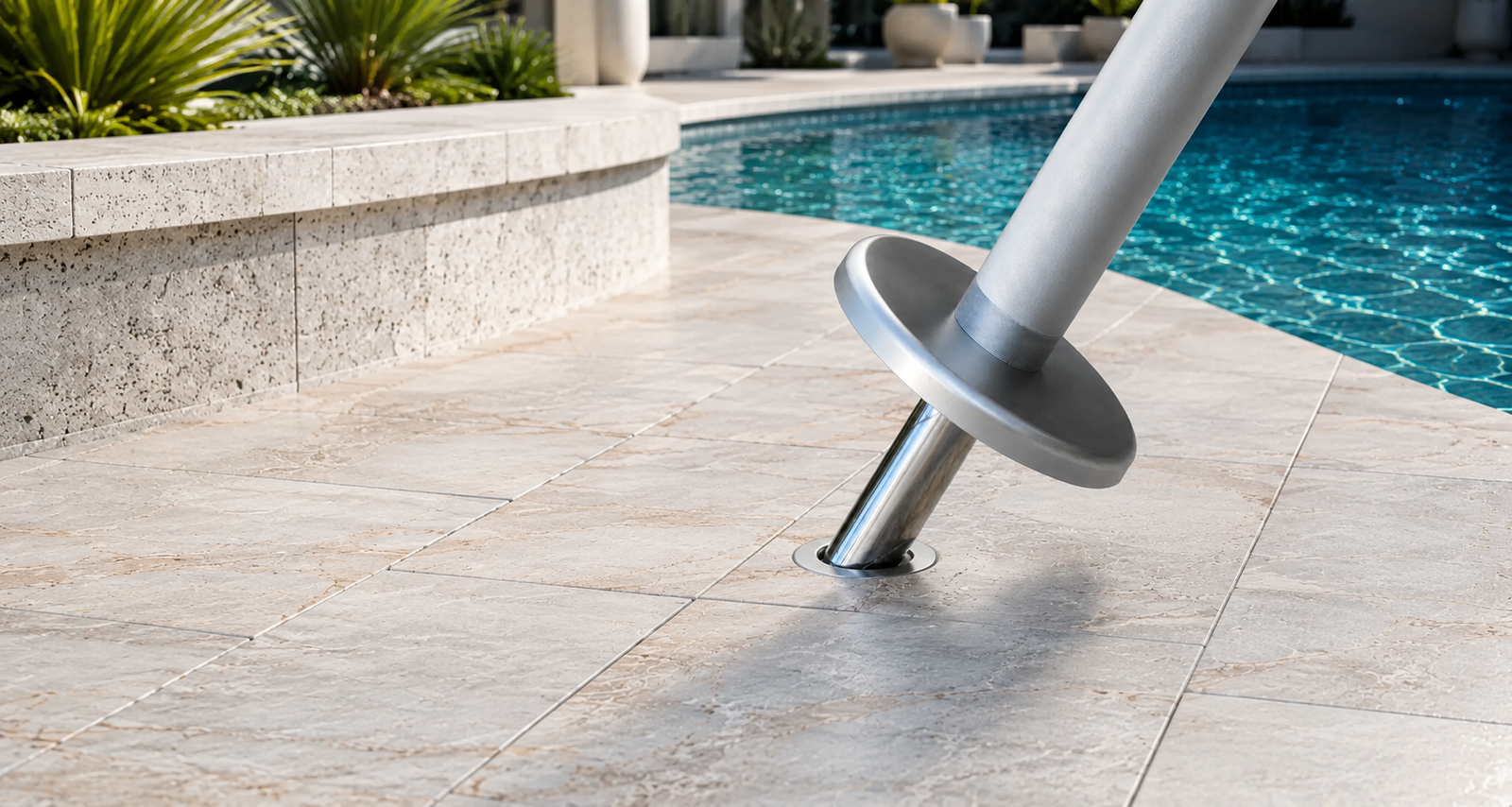
See a pool builder install a BajaMate steel sleeve as part of a remodel. This is the permanent mounting-point approach for new construction or replacement-sleeve applications.

Install the BajaMate adapter, stabilizing base plate, table, oversized pool umbrella, and optional USB-C charging upgrade with a clean, secure setup designed for Baja shelves, tanning ledges, pool decks, patios, and builder-installed umbrella sleeves.
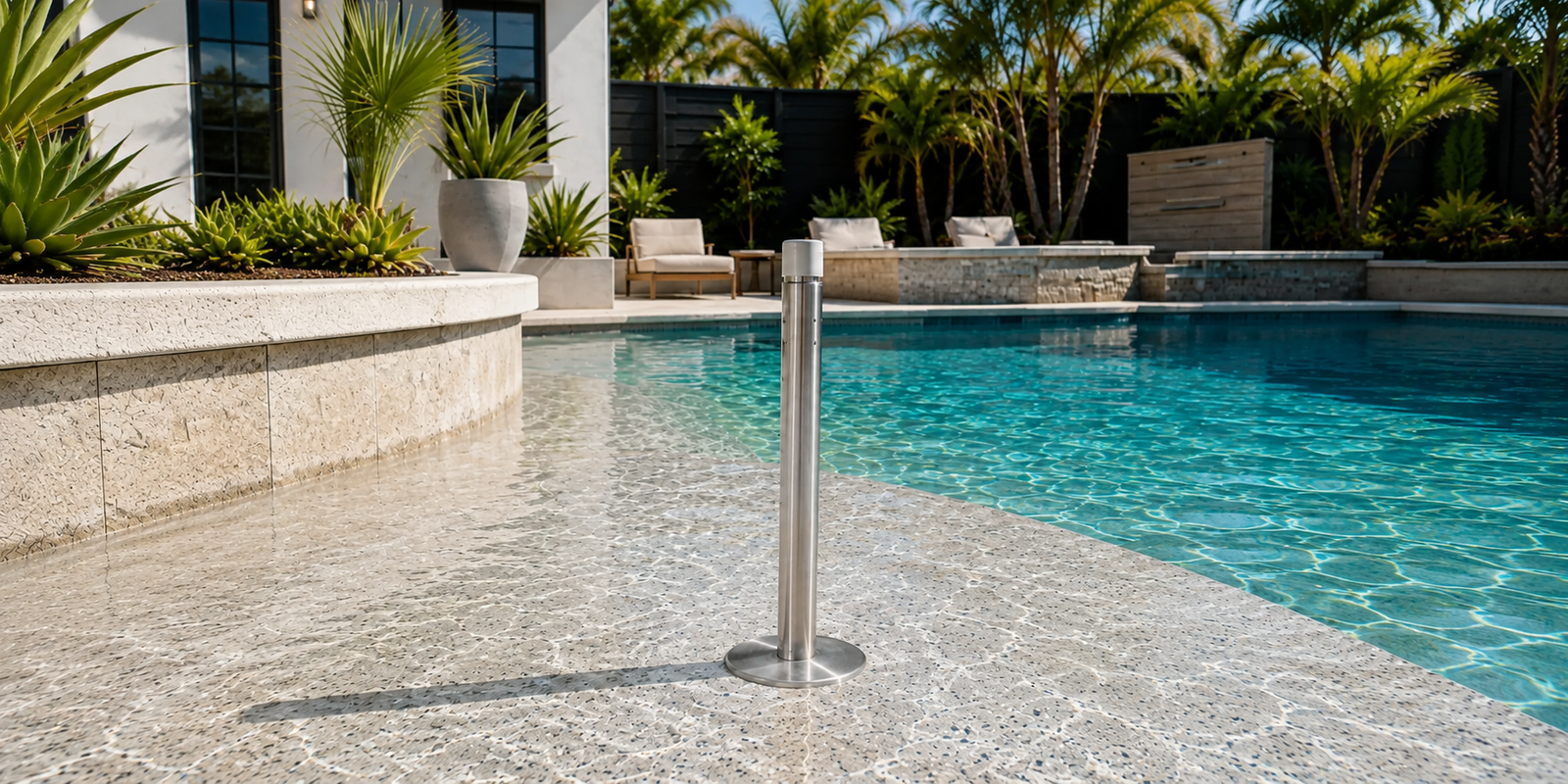
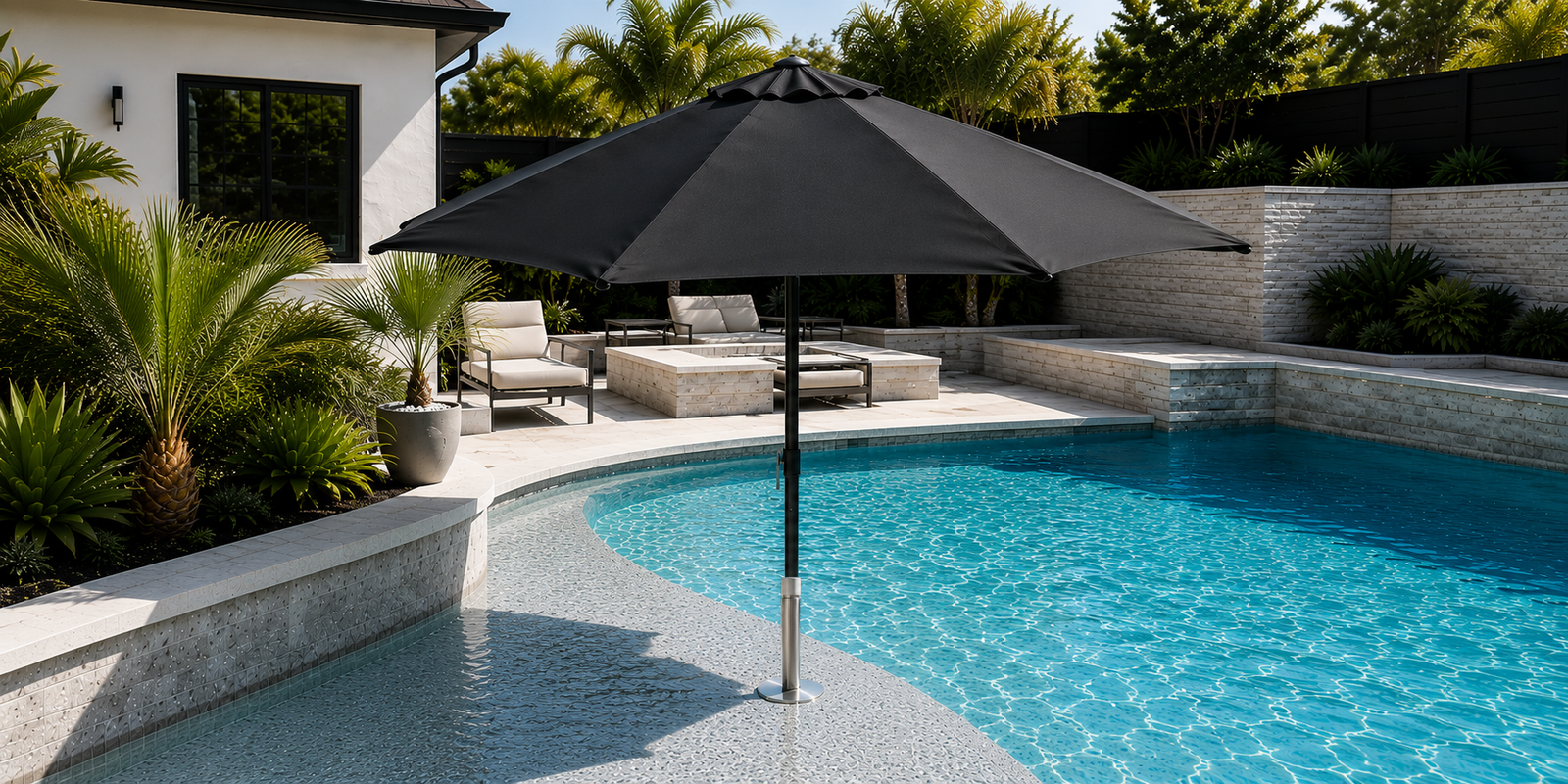
A BajaMate pool umbrella adapter inserts into an existing builder-installed plastic, aluminum, or stainless pool umbrella sleeve. Above the sleeve, the adapter creates a larger, stronger, and more versatile mounting point for oversized pool umbrellas, the BajaMate Gather Table, and compatible accessories.
The adapter does not require the original sleeve to be removed unless that sleeve is cracked, warped, loose, or otherwise damaged. A stabilizing base plate rests against the Baja shelf, pool deck, or patio surface to center the assembly and distribute lateral movement above the sleeve.
These real-world videos show how the mounting foundation is used in the field—from a pool builder installing a steel sleeve to a direct explanation of BajaMate sleeve options, a complete steel Anchor and Gather Table installation, and a steel sleeve replacement installed into a patio deck after wind damage.
See a pool builder install a BajaMate steel sleeve as part of a remodel. This is the permanent mounting-point approach for new construction or replacement-sleeve applications.
A quick overview of BajaMate sleeve options and how the mounting foundation supports the rest of the BajaMate system.
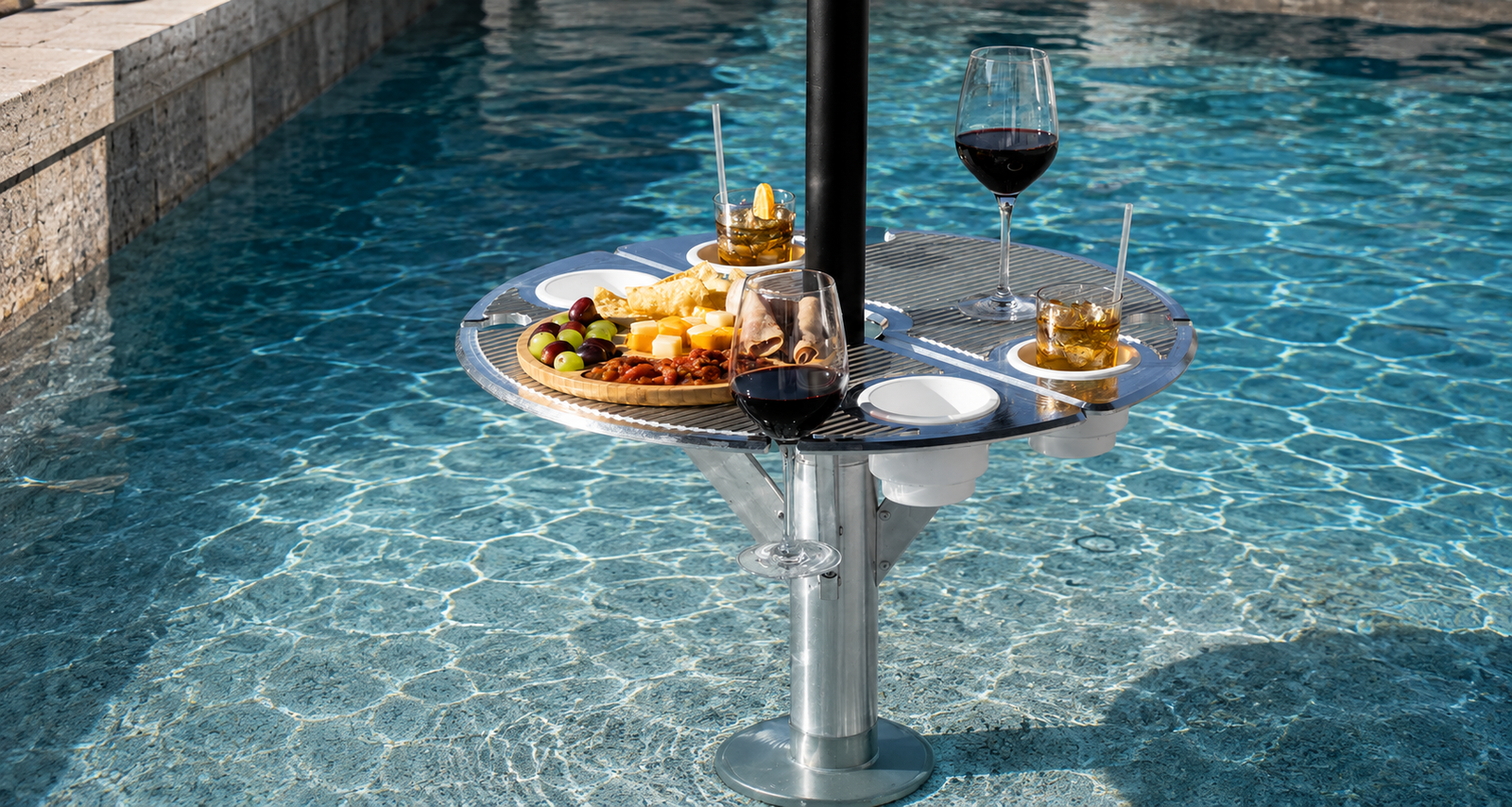
See the steel BajaMate Anchor adapter and Gather Table installed together, including how the mounting system and table come together as a complete Baja shelf setup.
Watch a BajaMate steel sleeve installed into a patio deck after wind damage destroyed the previous setup. This is strong proof for replacement-sleeve and deck-side mounting situations.
A clean installation begins with the existing sleeve. Confirm that the sleeve is structurally sound, clear of debris, and properly seated before lowering the adapter pin into place.
Remove the center cap and clear sand, scale, leaves, and other debris from the opening. Confirm that the sleeve is not cracked, spinning in the surface, severely pinched, or separating from the surrounding pool finish.
A damaged sleeve should be corrected before installing an oversized umbrella or table system. BajaMate stainless and aluminum sleeve systems provide a durable replacement mounting point when the original plastic sleeve can no longer support a secure installation.
The goal is a centered adapter that seats smoothly inside the existing sleeve while the base plate rests flat against the shelf, deck, or patio. Tighten by hand unless the instructions for your exact model specify otherwise.
Remove the sleeve cap and clean the opening. Check for concrete pressure, mineral buildup, deformation, or debris that could prevent the adapter pin from entering straight.
Start the pin by hand and keep the threads aligned. Thread it into the adapter base tube until it is secure but still adjustable for final height and seating.
Thread the base plate onto the adapter assembly without fully tightening it. Leave enough adjustment to bring the plate flush with the Baja shelf, pool deck, or patio after the adapter is inserted.
Keep the adapter vertical and lower the pin into the sleeve. Never hammer or force it. If the sleeve is tight, remove the adapter, inspect the opening, and adjust the pin before trying again.
Adjust the pin depth until the adapter reaches the intended working height. Rotate the base plate until it rests evenly against the surrounding surface without rocking or creating a visible gap.
Confirm that the adapter is plumb, the plate is fully supported, and the assembly does not bind against the sleeve. Hand-tighten the plate and verify the installation again after the table or umbrella is added.
Adapter length is measured to the top of the adapter cap—not to the tabletop. Select the size that places the finished mounting point at a comfortable, functional height for your shelf depth and intended accessory.
See the Aluminum Deck Anchor and table components out of the box before installation. This is especially useful for deck, patio, hardscape, and other dry-side setups.
Most installation issues come from debris, sleeve deformation, mismatched pole sizing, or a base plate that is not fully supported. Correct the cause before adding an oversized umbrella.
Remove the adapter and inspect the sleeve for debris, concrete pressure, scale, or deformation. Back the adjustable pin off slightly and retry. Do not hammer the adapter into place.
Recheck pin depth and adapter height. The plate should rest evenly against the shelf or deck without bridging over raised finish, grout, coping, or debris.
Confirm the pole diameter and install the correct reducer ring. Some movement is normal in water and wind, but the pole should remain centered and should not rattle excessively inside the cap.
Stop the installation. A damaged sleeve should be replaced or professionally repaired before supporting a larger umbrella or a table-and-umbrella combination.
Build the installation around the same adaptable foundation—from a table-only gathering space to oversized shade with optional charging and poolside audio.
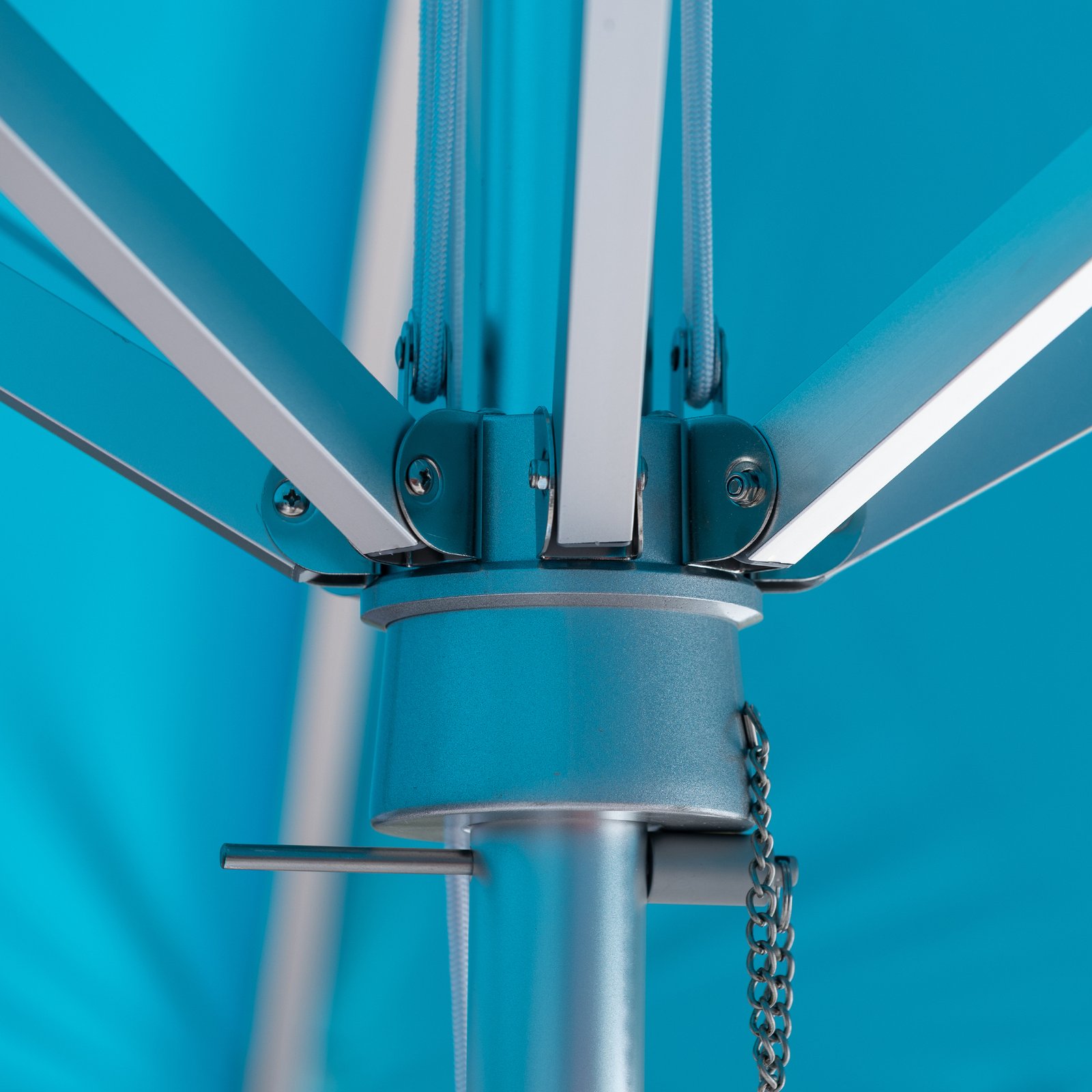
Oversized pool shade engineered for Baja shelves, tanning ledges, decks, patios, and the BajaMate adapter system.
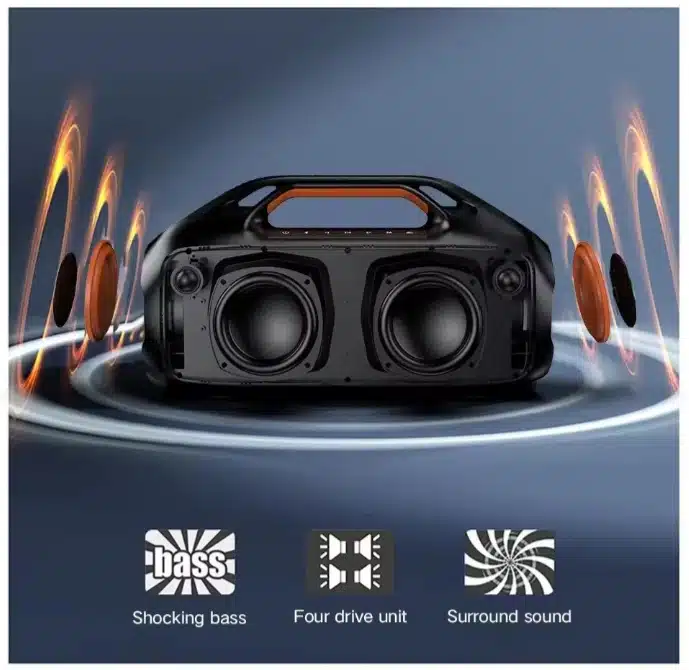
Waterproof poolside audio designed to integrate cleanly with compatible BajaMate table installations and speaker mounts.
See the BajaMate waterproof Bluetooth speaker continue playing while submerged. It is designed for poolside and compatible Gather Table installations where durable, integrated audio completes the setup.
Direct answers to the questions pool owners, builders, and installers most often ask before installing a BajaMate adapter system.
Usually, no. The adapter is designed to insert into an existing builder-installed sleeve and create a larger, stronger mounting point above it. Replace the sleeve only when it is cracked, warped, loose, spinning, or otherwise unsuitable for a secure installation.
The 18-inch adapter is generally best for a single-step-down Baja shelf. The 26-inch adapter is generally best for a two-step-down Baja shelf. Measure the actual water depth, sleeve depth, and desired finished height before ordering.
BajaMate adapters accommodate compatible straight umbrella poles up to 2 inches outside diameter. Included reducer rings help center and support smaller umbrella poles.
Yes. The BajaMate Gather Table can be used as a table-only setup, or it can be paired with a compatible umbrella for shade. The modular system allows the same mounting foundation to support different poolside configurations.
Builder-installed plastic sleeves can be compressed by concrete pressure or narrowed by mineral buildup and debris. Clean the sleeve, inspect it for damage, and back the adjustable pin off slightly before reseating the adapter. Never force the adapter into a cracked or severely distorted sleeve.
No outdoor umbrella should remain open during severe weather or strong wind. Close and secure the canopy when the umbrella is unattended or when changing conditions could place excessive load on the pole, adapter, sleeve, or surrounding pool finish.
Keep the connection covered when it is not being used, avoid charging in active splash conditions, and allow wet connectors to dry completely before use. Follow the instructions supplied with the exact umbrella and charging configuration.
Create a cleaner mounting point for oversized shade, an in-pool table, poolside audio, and compatible BajaMate accessories—without accepting the limitations of a small builder-installed sleeve.